A running app designed by an ex-aircraft mechanic
Turn Every
Run Into A Flight.
An iOS running tracker built by a developer who used to maintain A320F aircraft.
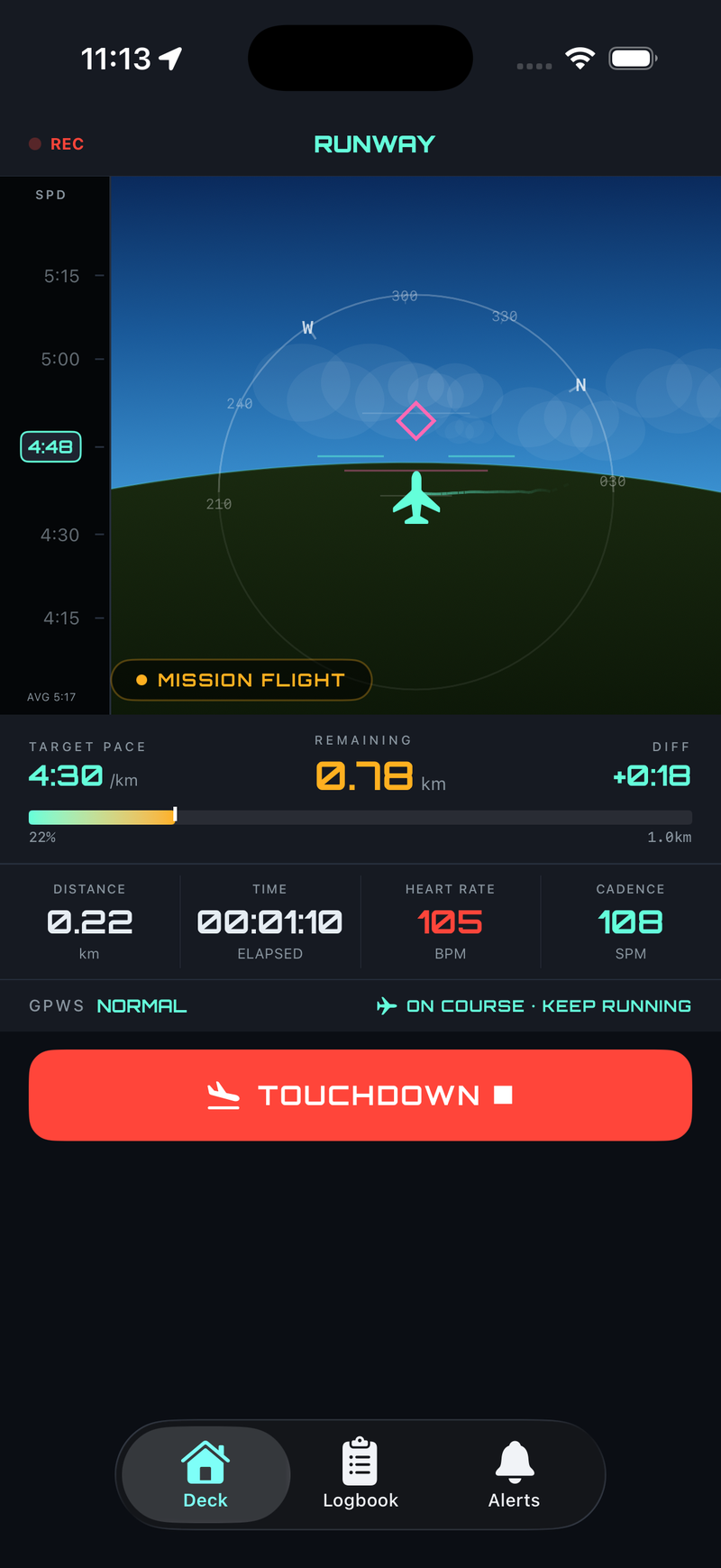
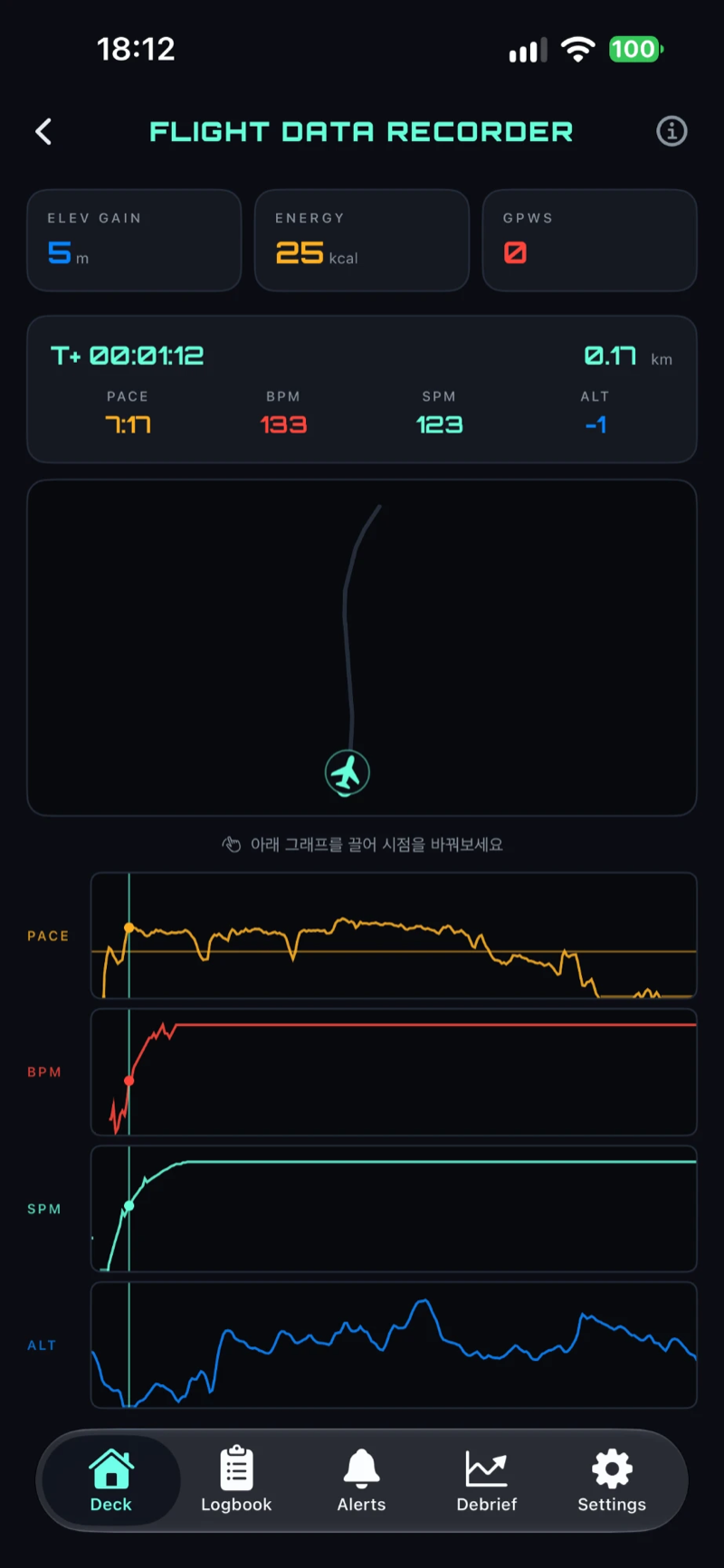
Read your GPS, heart rate, and cadence like a flight instrument, and get pace deviations as GPWS-style warnings.
GLIDE PATH
MISSION FLIGHTCRUISE
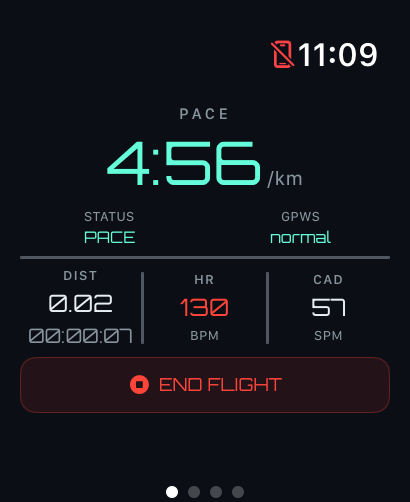
PACE
5'12"
DIST
2.14km
HR
158bpm
CAD
172spm
FUEL
212kcal
iOS 26+ · watchOS 11.5+SwiftUI · Actor · AsyncStream
Two Flight Modes
A state machine modeled after aircraft operating procedures runs the entire session.
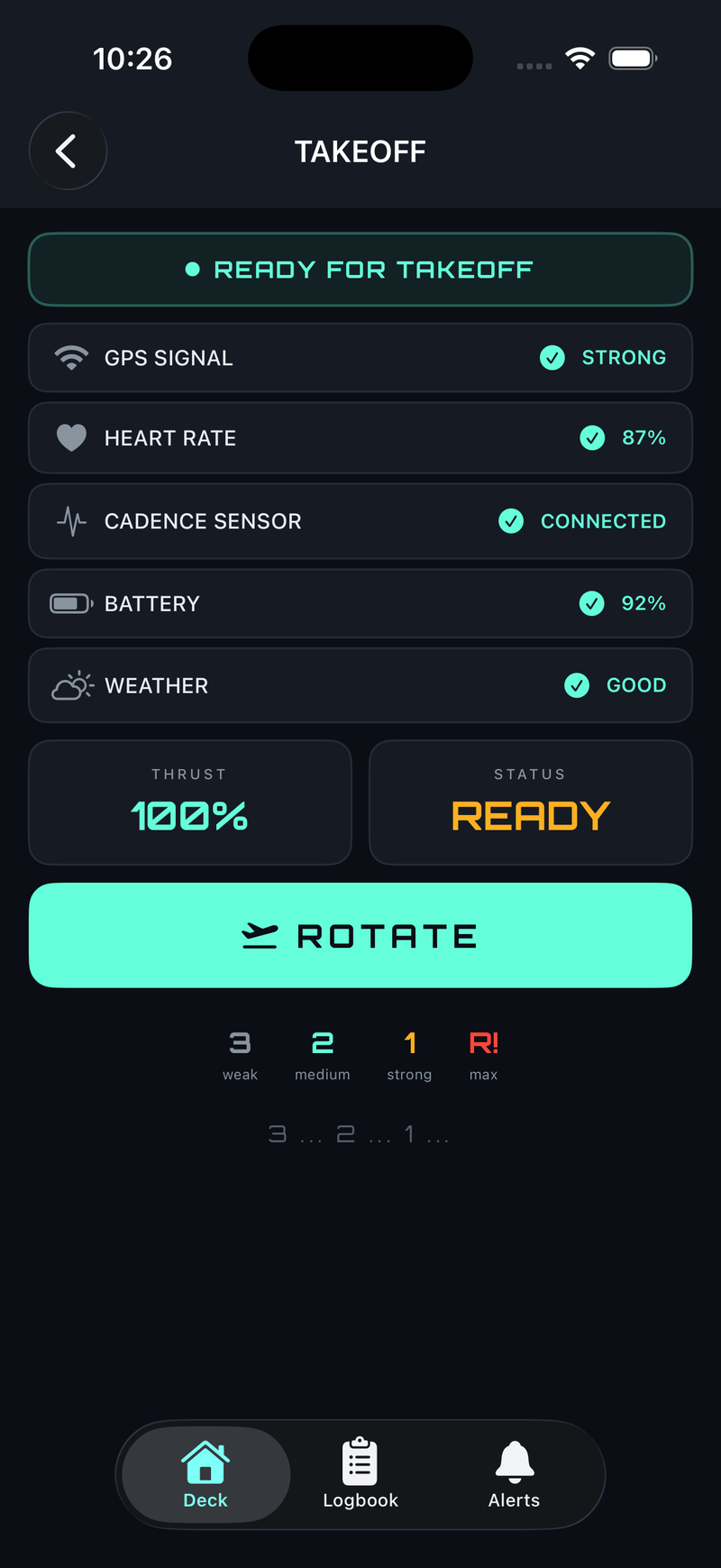
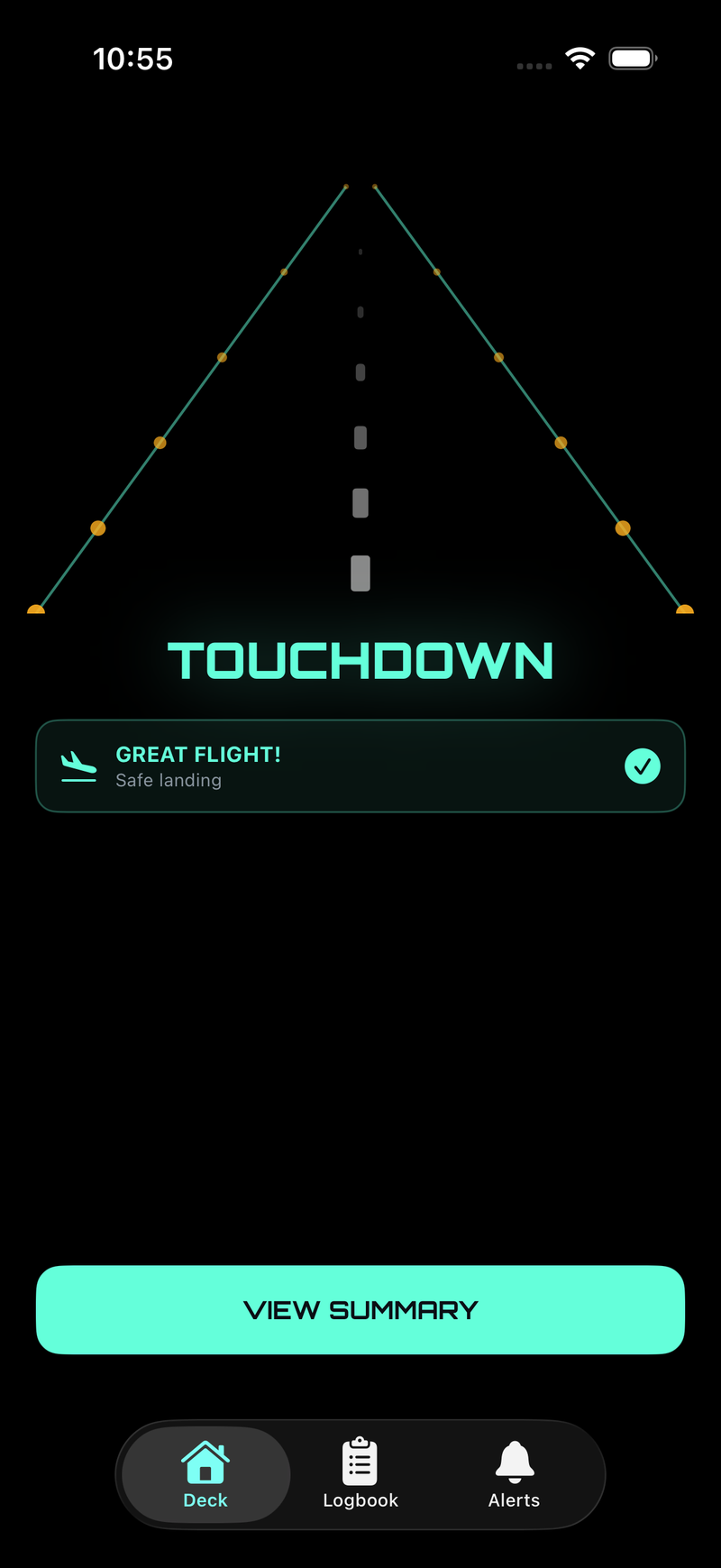
Press start for a takeoff sequence, then a live instrument panel takes over for the run.
MODE A
Mission Flight
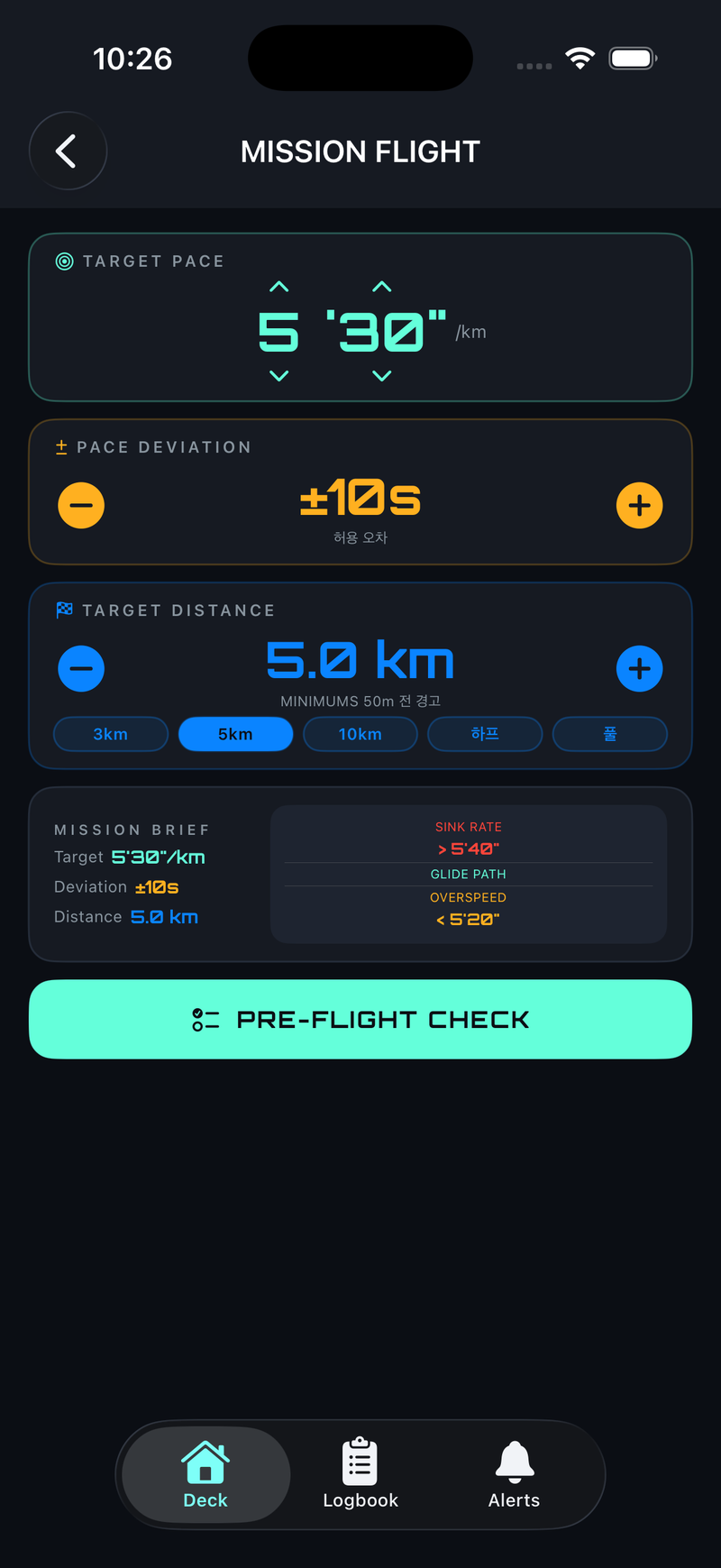
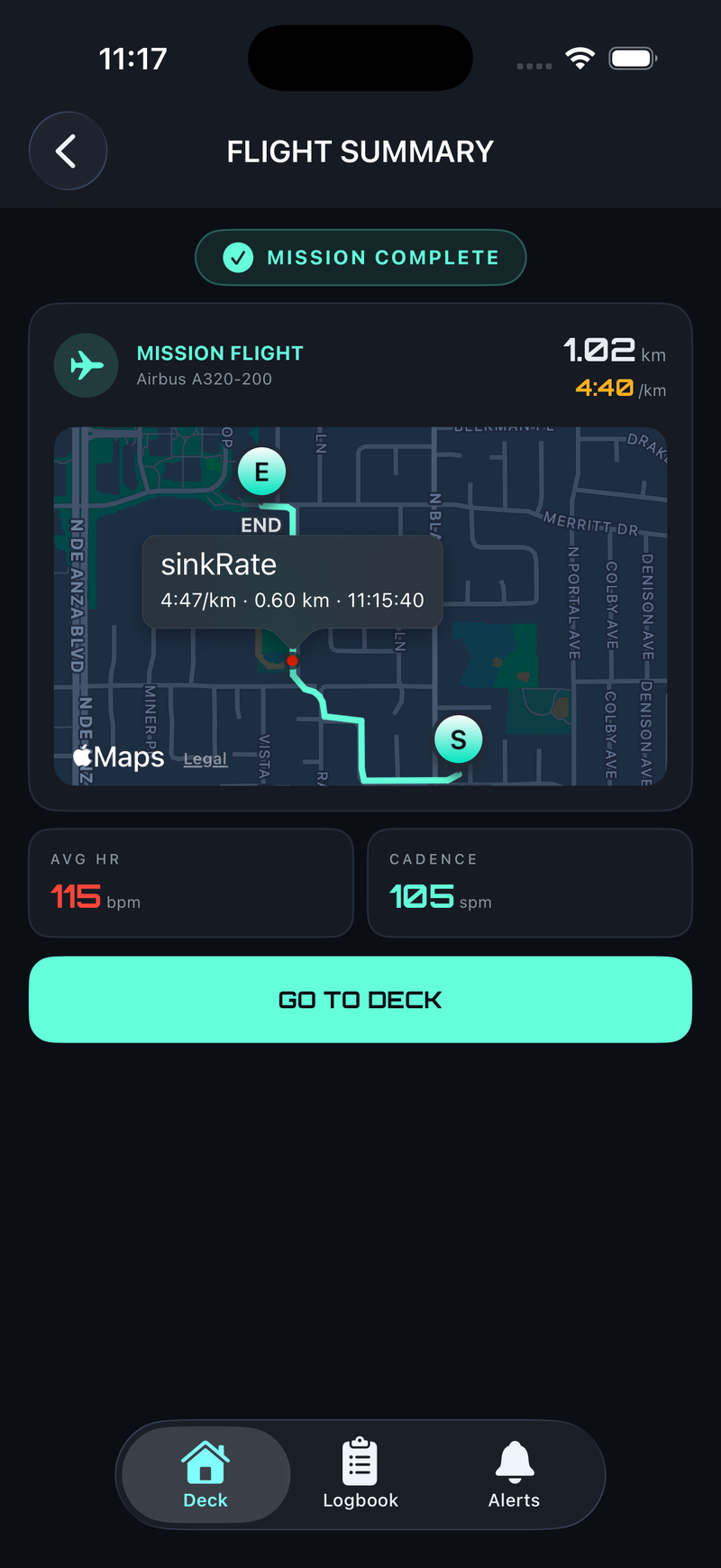
Set a target pace and distance, then fly the mission. GPWS warns you the moment you drift outside the allowed deviation.
- Target pace ± deviation setting
- Quick distance presets (3K / 5K / 10K / Half / Full)
- MINIMUMS alert 50m before the target distance
MODE B
Free Flight
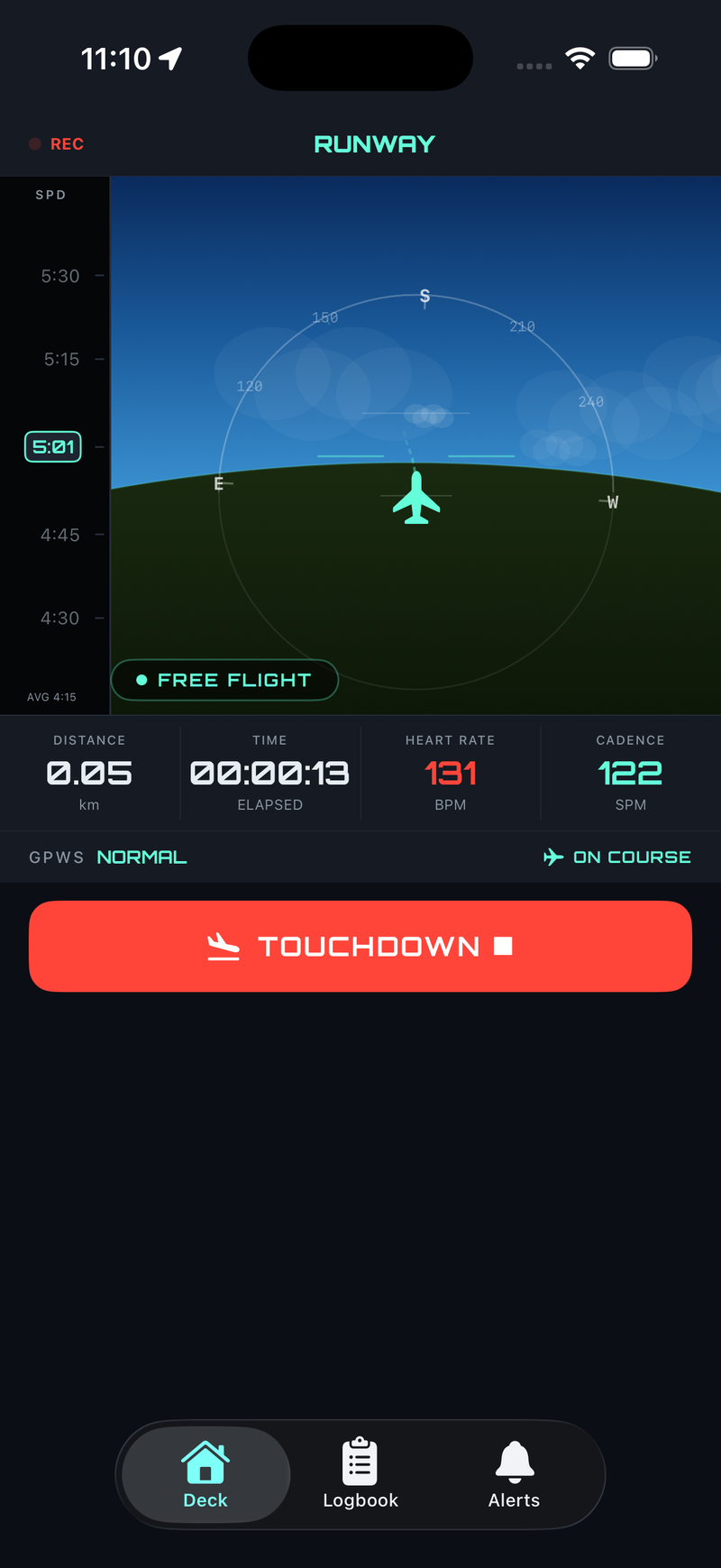
A VFR-style mode for running without a fixed goal. End the session manually with Touchdown.
- No target set
- GPWS disabled
- Free-form pace logging
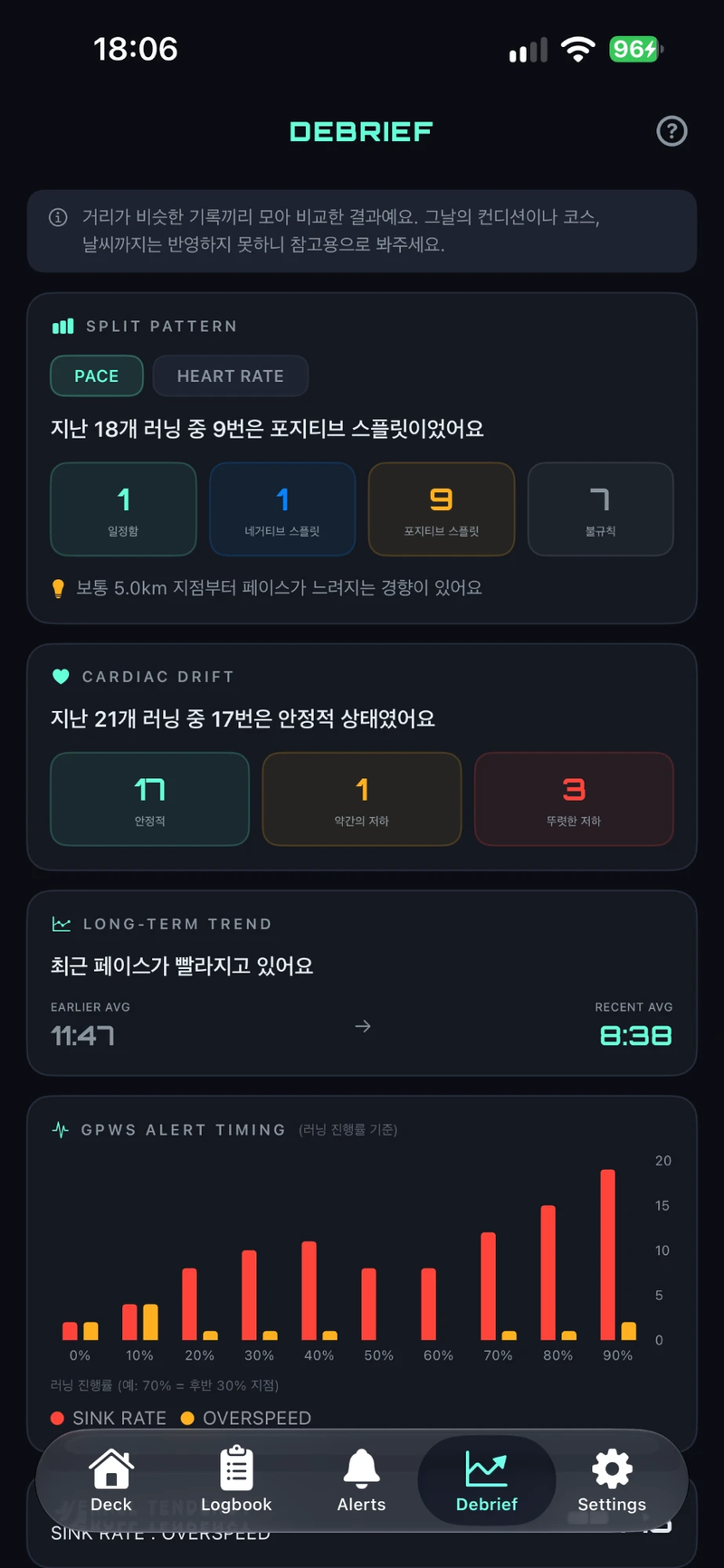
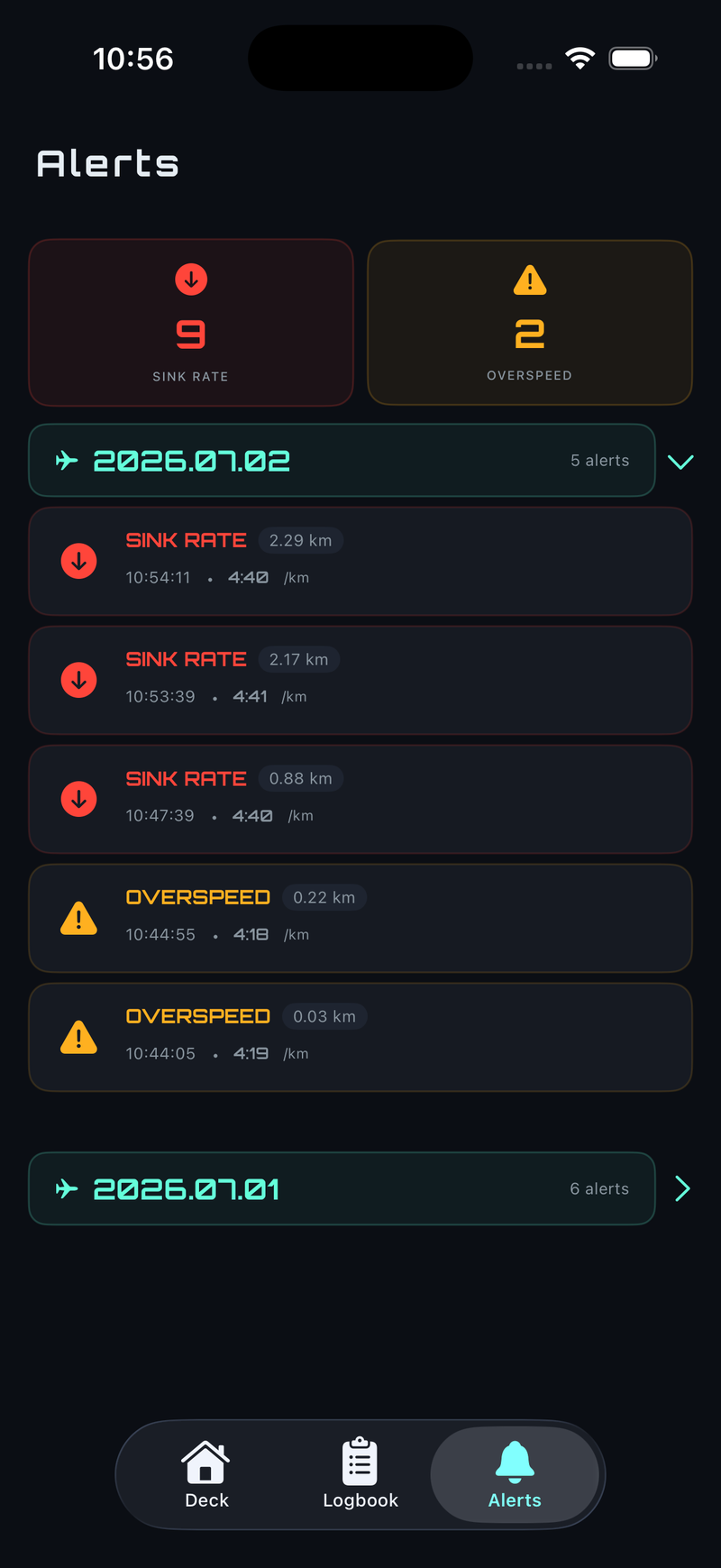
Ground Proximity Warning System
SINK RATE
Slower than target pace
OVERSPEED
Faster than target pace
MINIMUMS
50m before target distance
Two Screens, One Flight
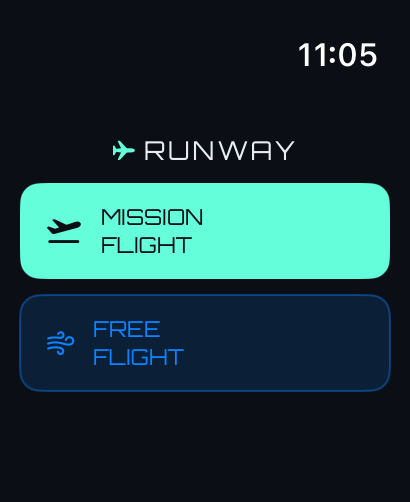
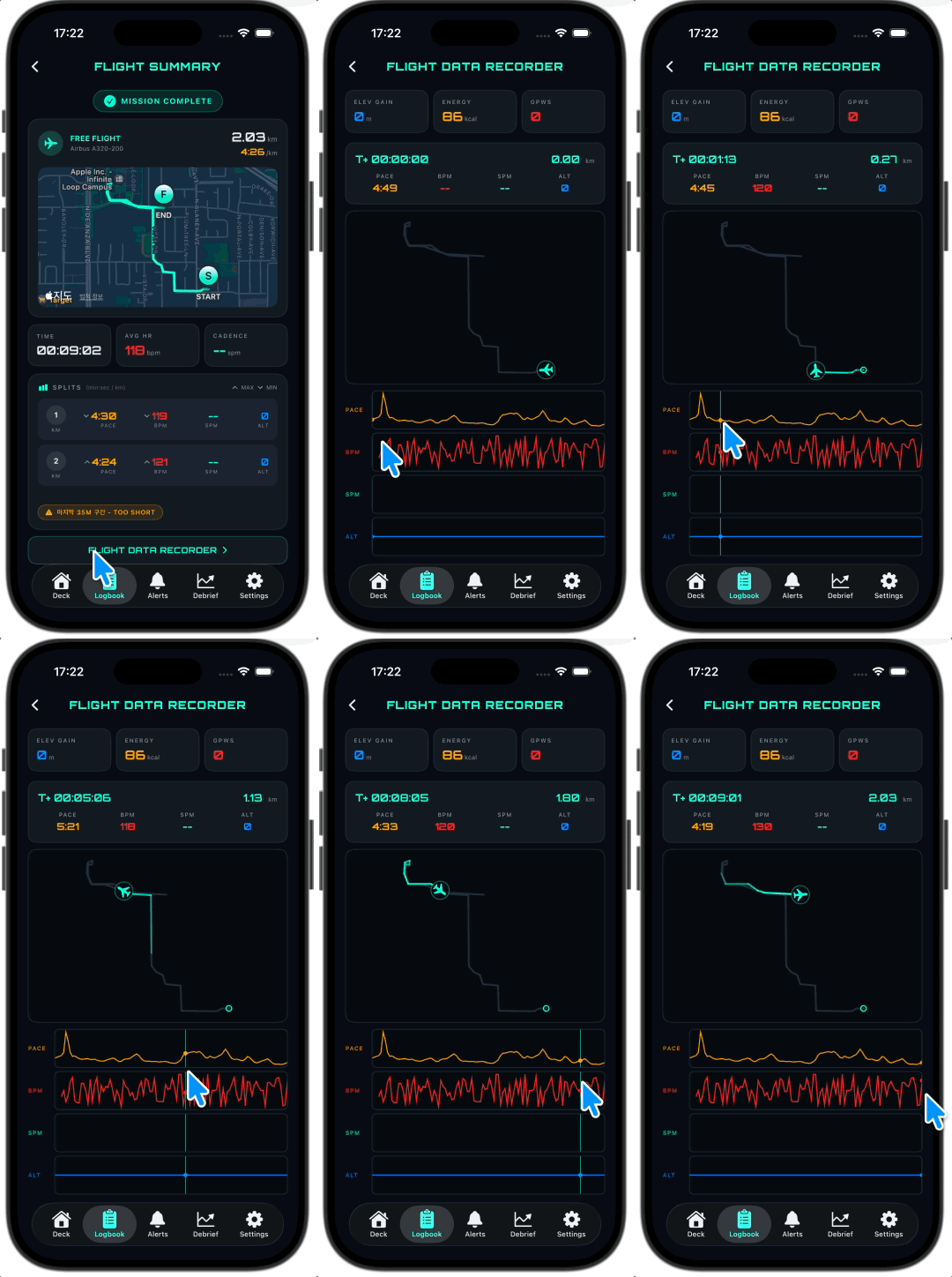
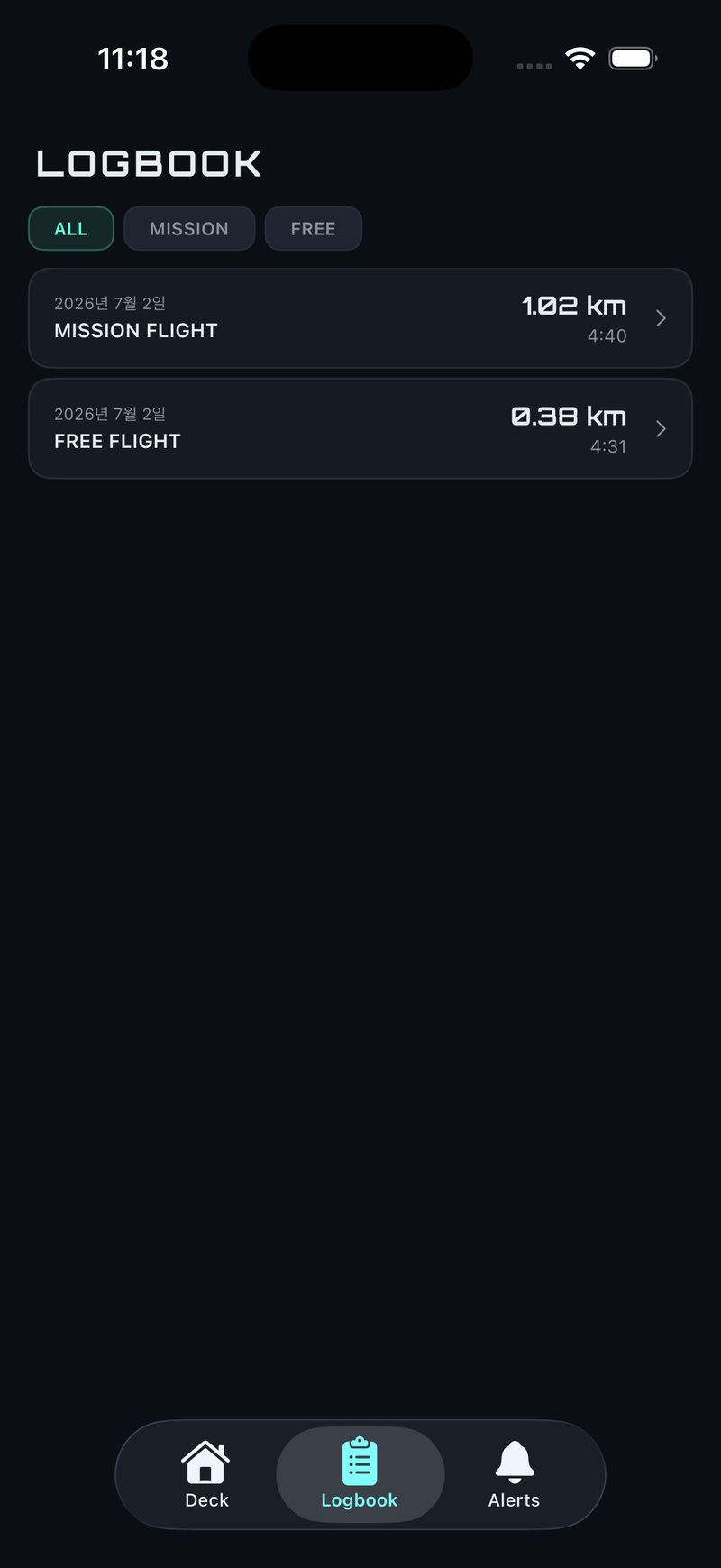
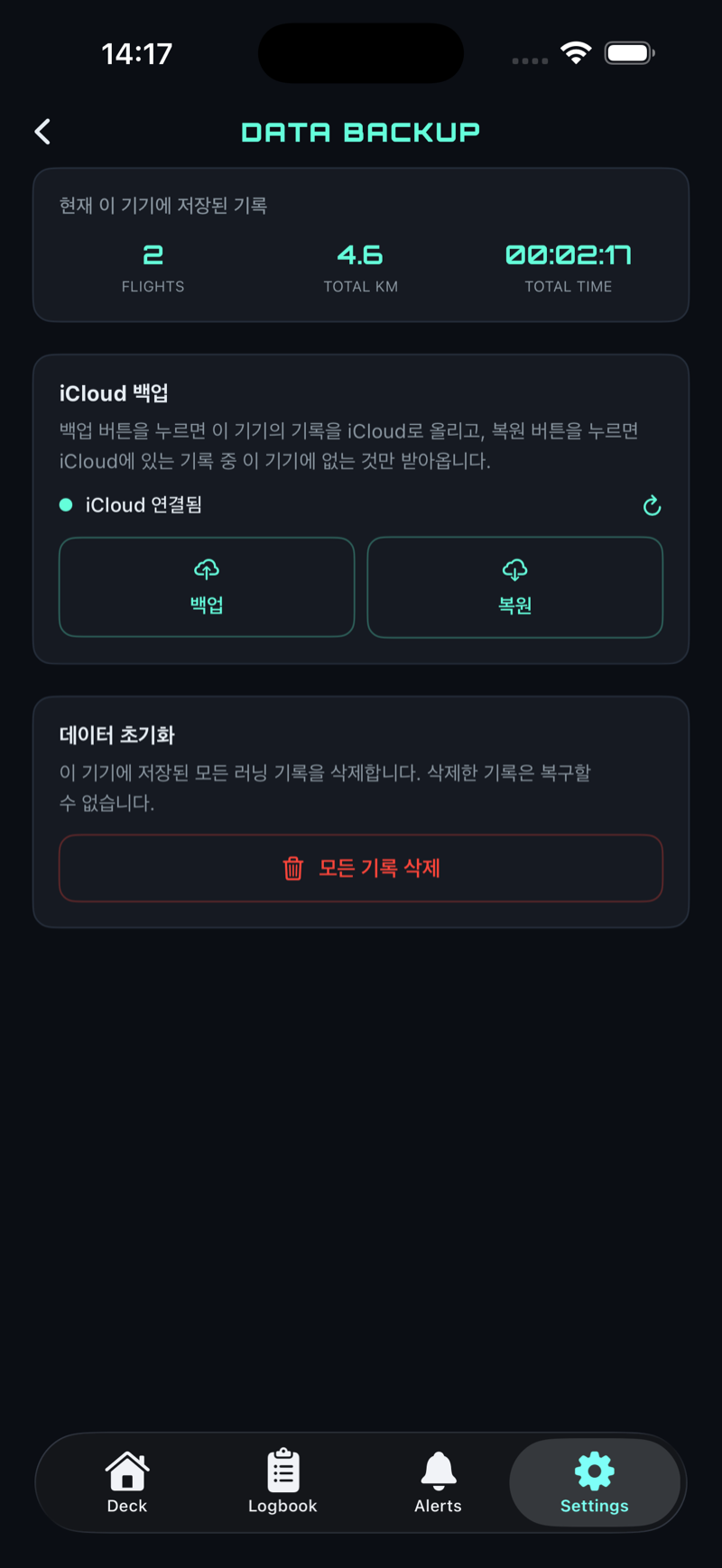
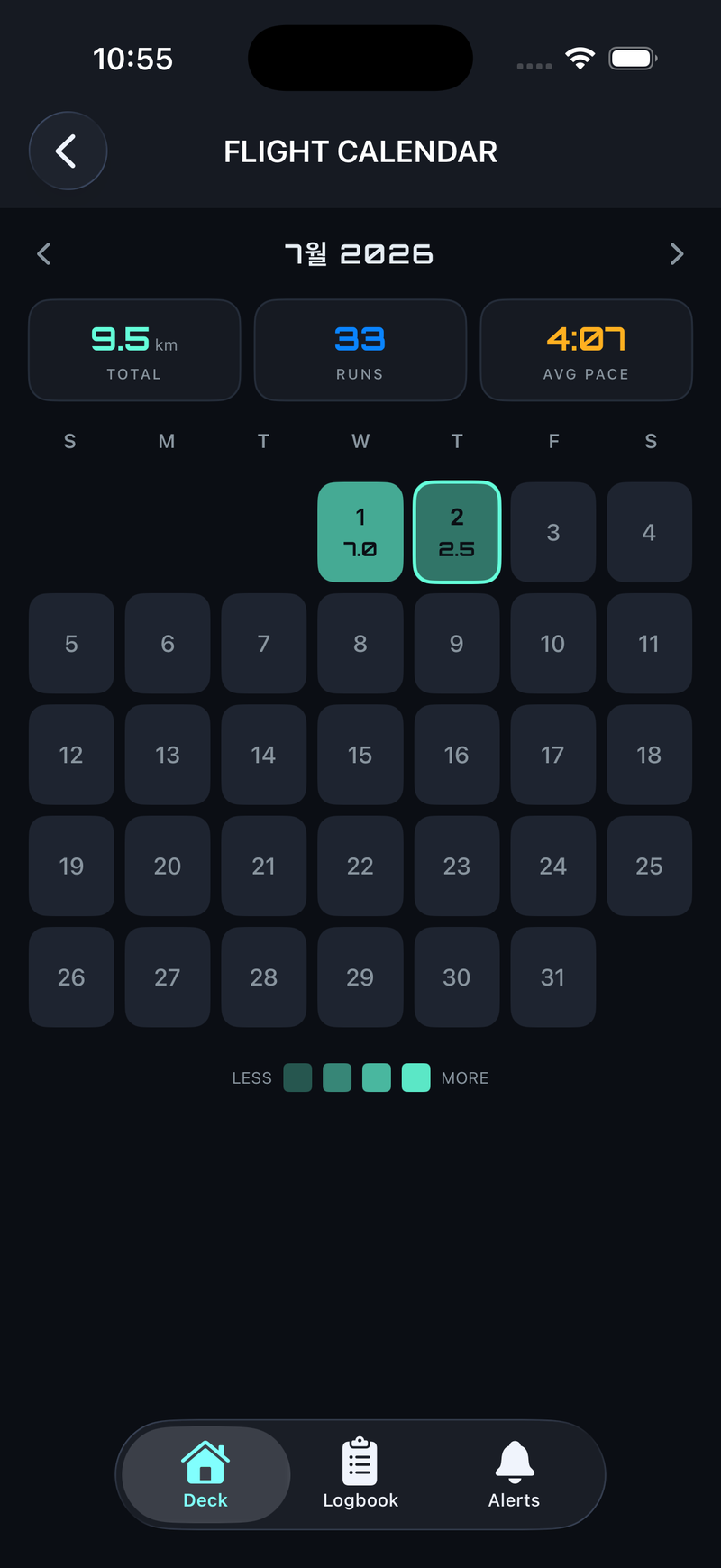
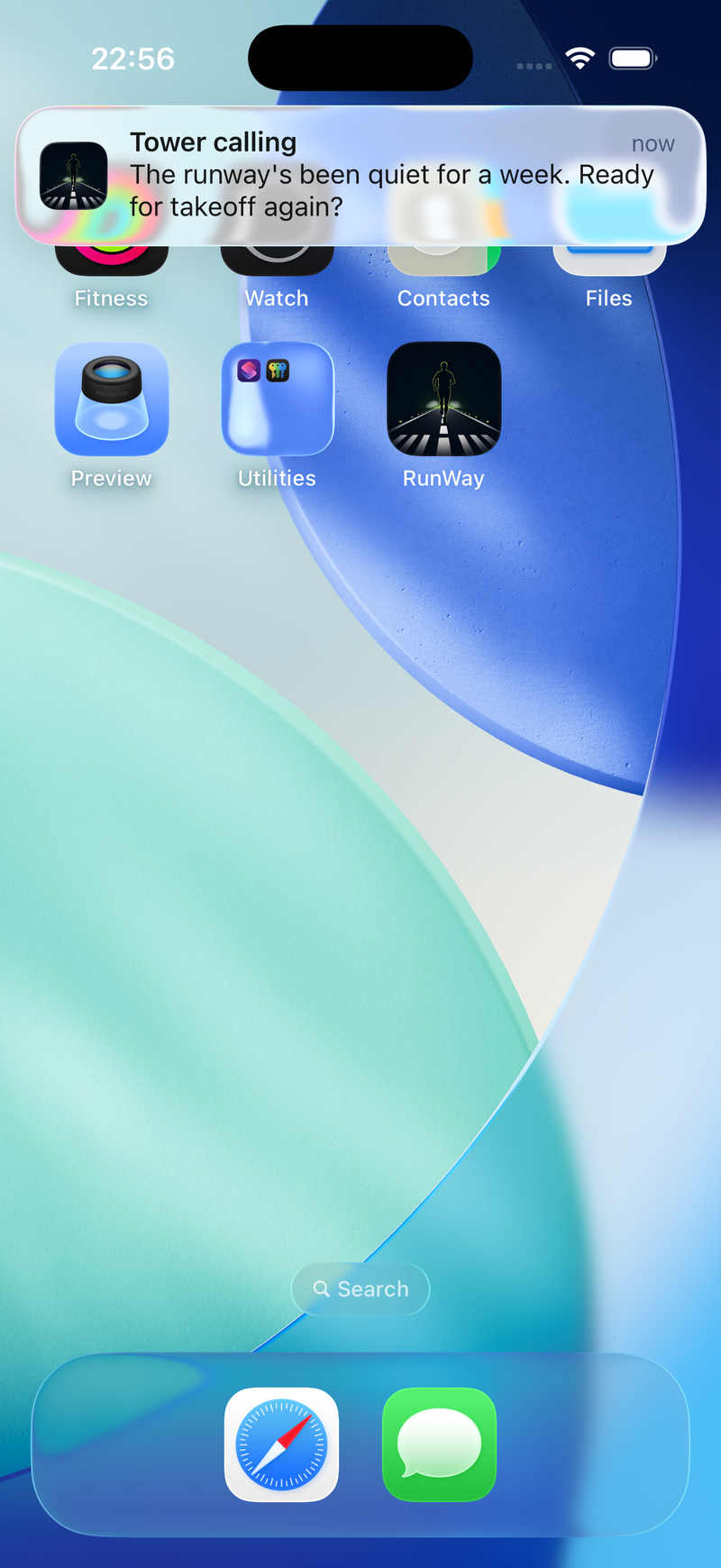
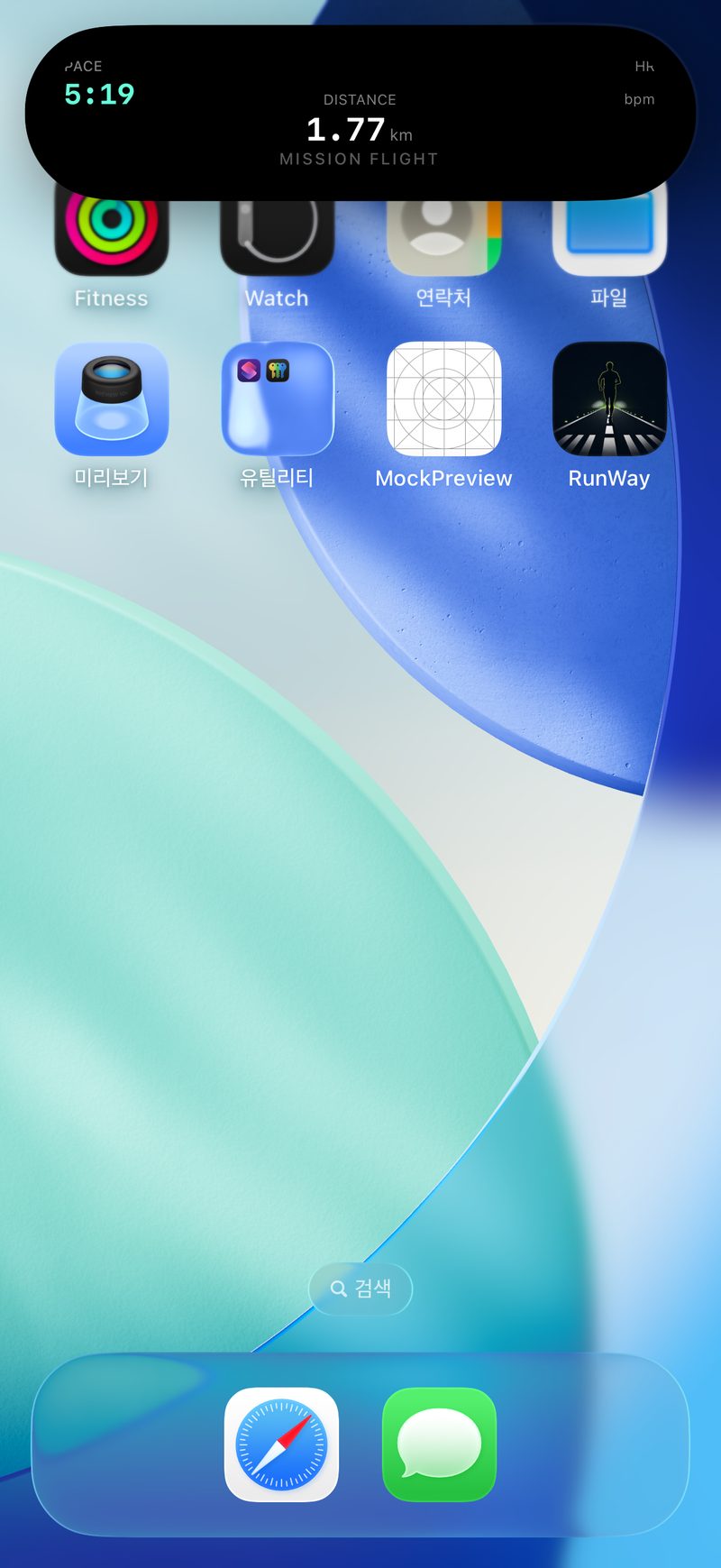
Whether the Watch or the iPhone leads, both devices share the same FlightData.
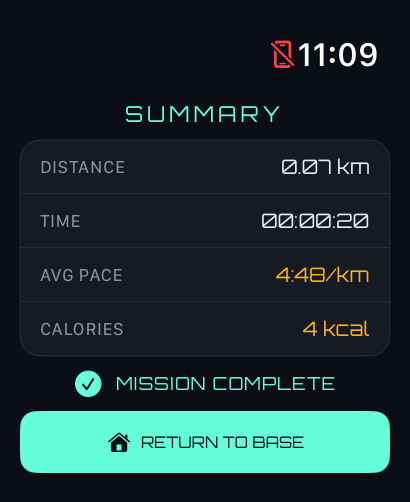
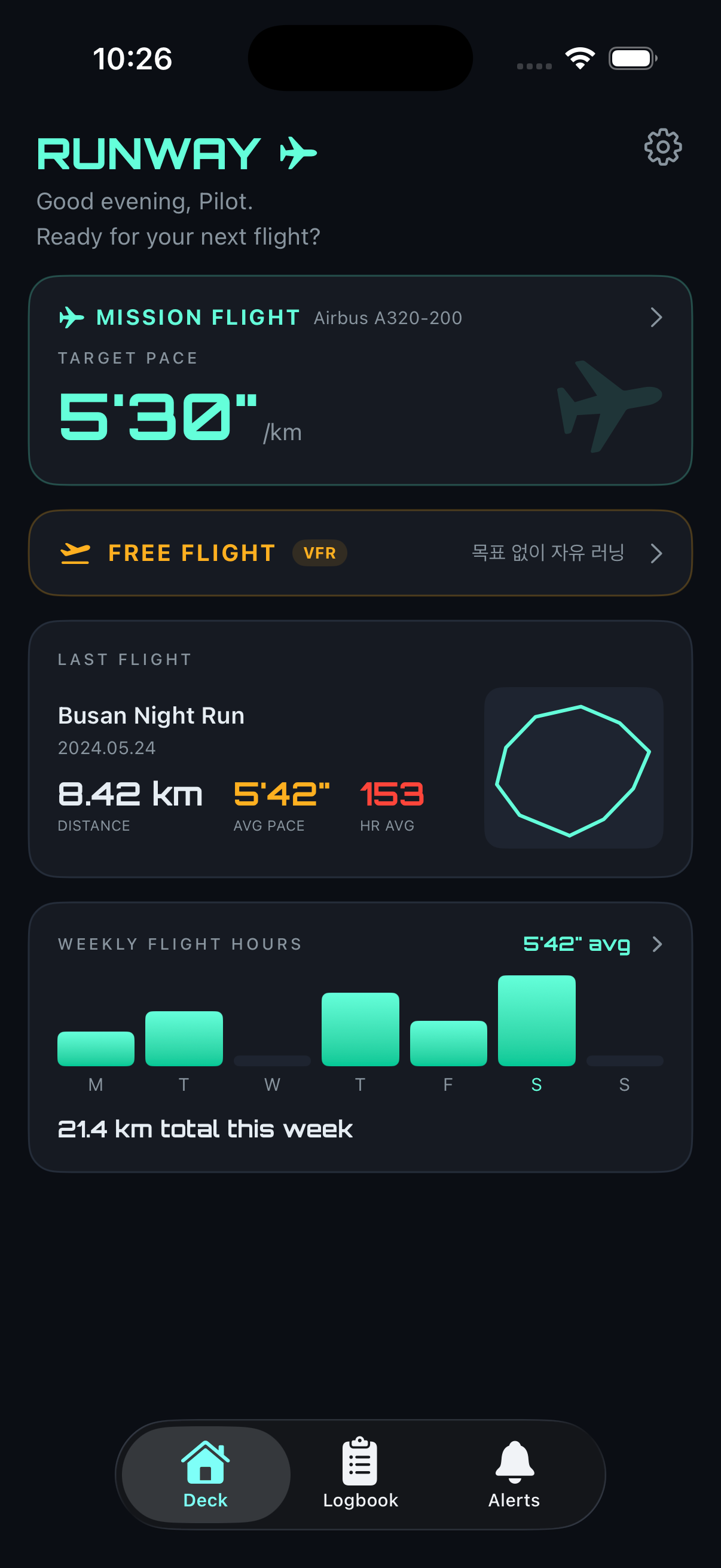
Take a look at every real screen, from pre-flight checks to the post-landing log.
iPhone · scroll sideways
Apple Watch